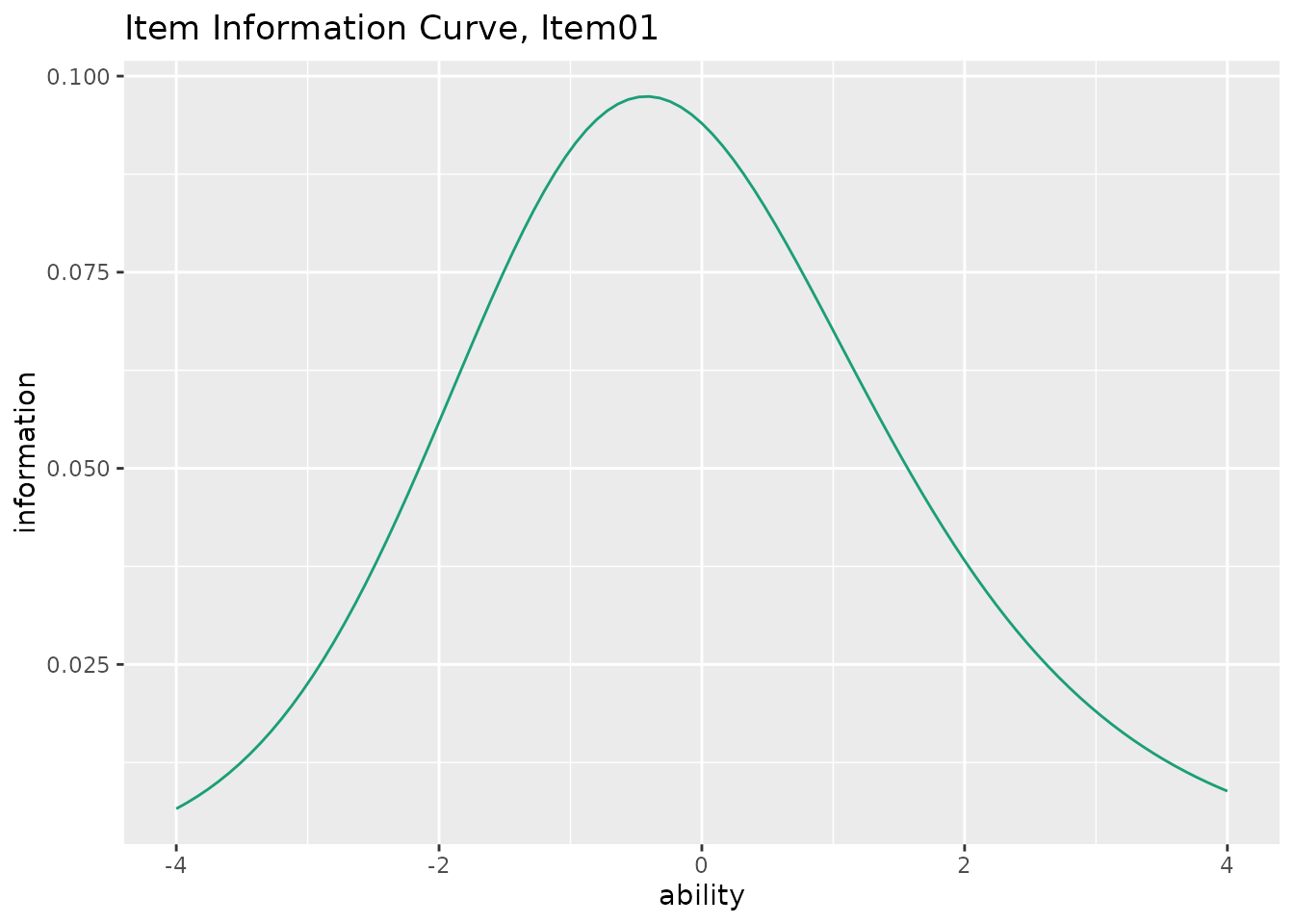
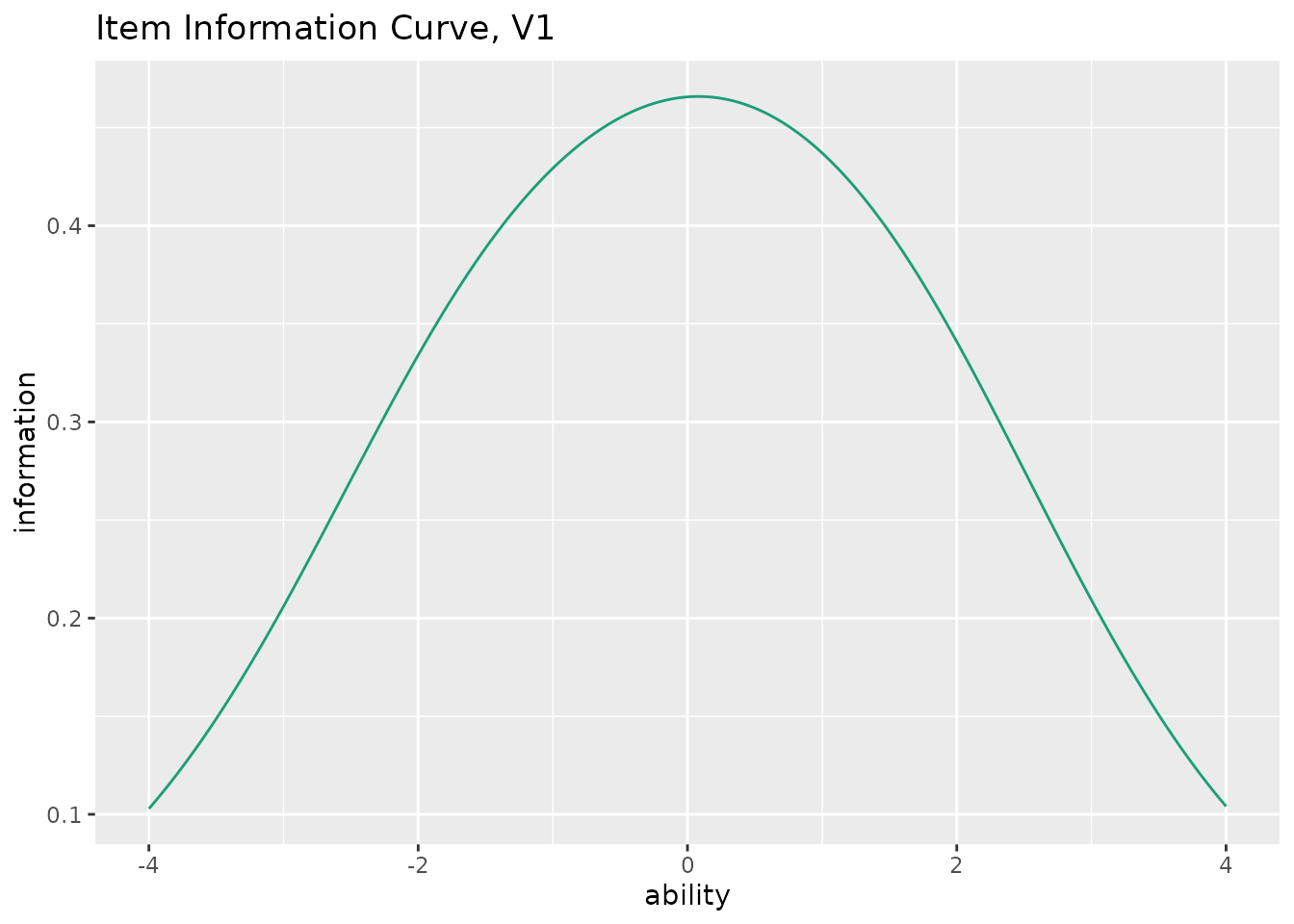
This function takes exametrika IRT or GRM output as input and generates Item Information Curves (IIC) using ggplot2. IIC shows how much information each item provides at different ability levels.
Usage
plotIIC_gg(
  data,
  items = NULL,
  xvariable = c(-4, 4),
  title = TRUE,
  colors = NULL,
  linetype = "solid",
  show_legend = FALSE,
  legend_position = "right"
)
Arguments
- data
An object of class
c("exametrika", "IRT")fromexametrika::IRT()orc("exametrika", "GRM")fromexametrika::GRM().- items
Numeric vector specifying which items to plot. If
NULL(default), all items are plotted.- xvariable
A numeric vector of length 2 specifying the range of the x-axis (ability). Default is
c(-4, 4).- title
Logical or character. If
TRUE(default), display an auto-generated title. IfFALSE, no title. If a character string, use it as a custom title (only for single-item plots).- colors
Character vector of colors. For IRT, single color for the curve. If
NULL(default), a colorblind-friendly palette is used.- linetype
Character or numeric specifying the line type. Default is
"solid".- show_legend
Logical. If
TRUE, display the legend (mainly for GRM). Default isFALSE.- legend_position
Character. Position of the legend. One of
"right"(default),"top","bottom","left","none".
Value
A list of ggplot objects, one for each item. Each plot shows the Item Information Curve for that item.
Details
The Item Information Function indicates how precisely an item measures ability at each point on the theta scale. Items with higher discrimination parameters provide more information. The peak of the information curve occurs near the item's difficulty parameter.
For IRT models (2PL, 3PL, 4PL), the function uses the standard IRT information function. For GRM, the information is computed as: $$I(\theta) = a^2 \sum_{k=1}^{K-1} P_k^*(\theta) [1 - P_k^*(\theta)]$$
Examples
library(exametrika)
# \donttest{
# IRT example
result_irt <- IRT(J15S500, model = 3)
plots_irt <- plotIIC_gg(result_irt)
plots_irt[[1]] # Show IIC for the first item
 # GRM example
result_grm <- GRM(J5S1000)
plots_grm <- plotIIC_gg(result_grm)
plots_grm[[1]] # Show IIC for the first item
# GRM example
result_grm <- GRM(J5S1000)
plots_grm <- plotIIC_gg(result_grm)
plots_grm[[1]] # Show IIC for the first item
 # }
# }